User Guide
Everything you need to know about yStocker — features, pages, and how to get the most out of each tool.
Home — Sector Overview
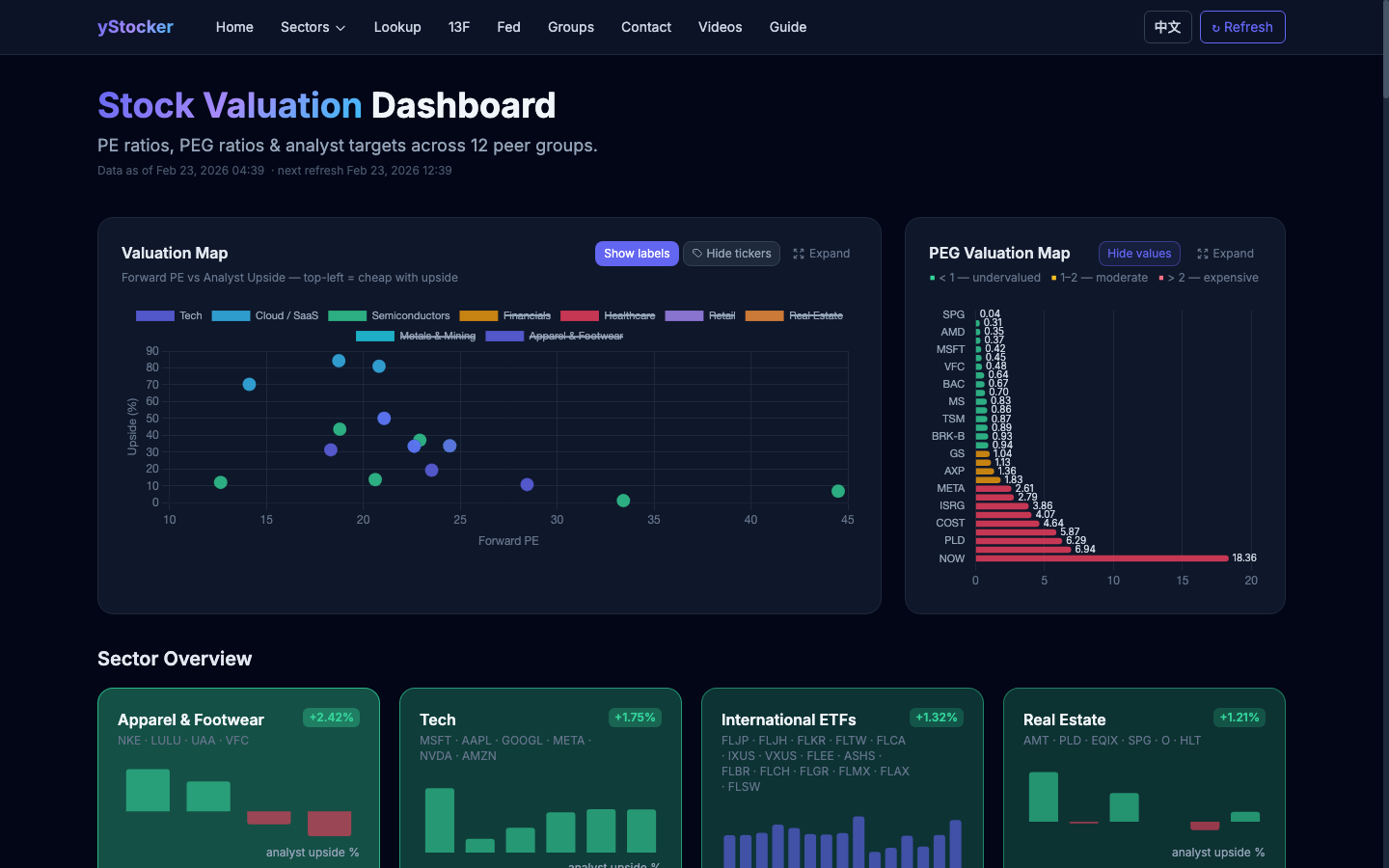
The home page displays all peer groups as sortable cards. Each card shows the tickers in that group with live price, P/E ratio, analyst target, and % upside. Use the column headers to sort.
Sector Detail — Charts & Table
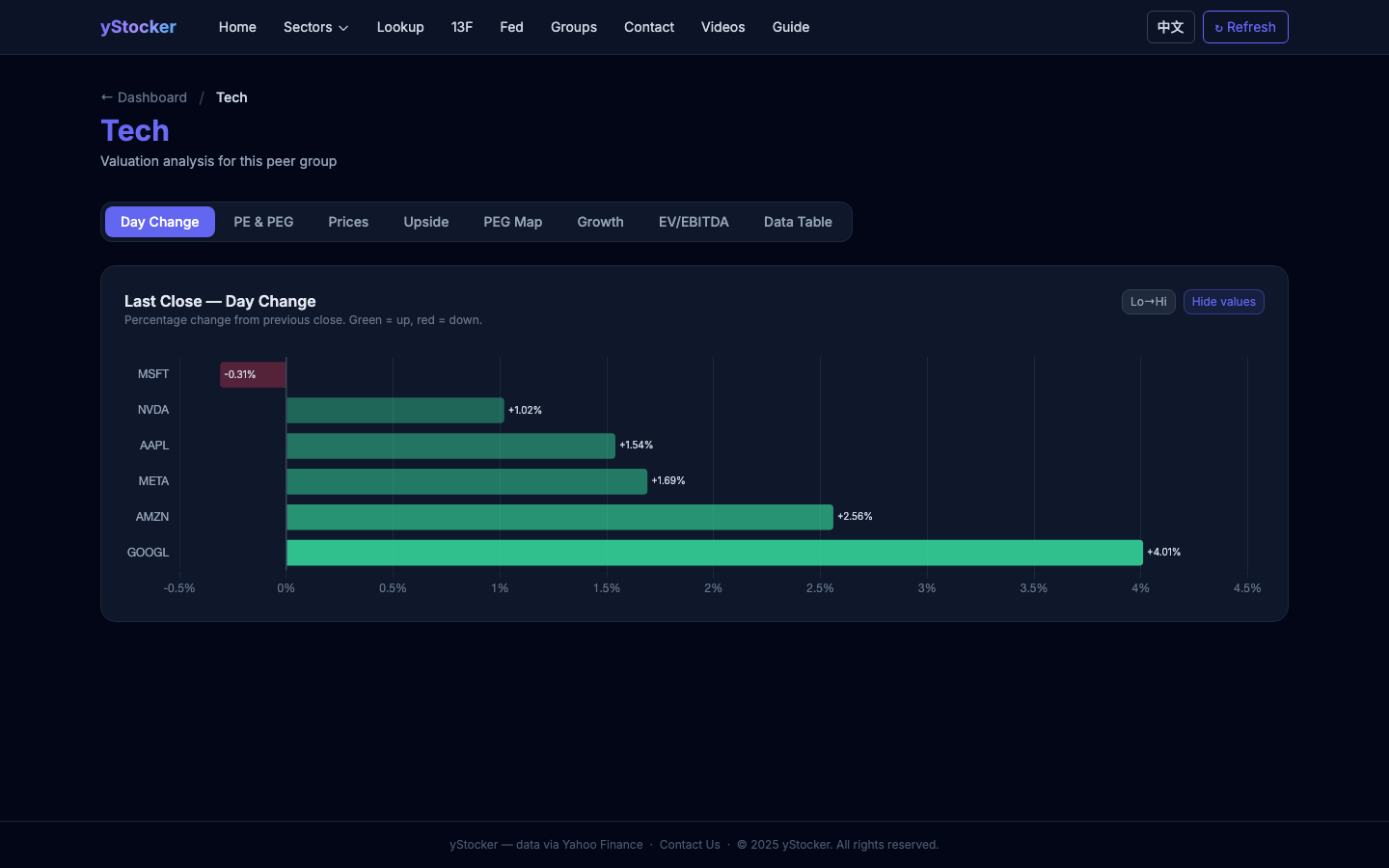
Click a peer group name or any sector card to see full charts: P/E history, price history, analyst targets, and a detailed data table for every ticker in the group.
Ticker Lookup
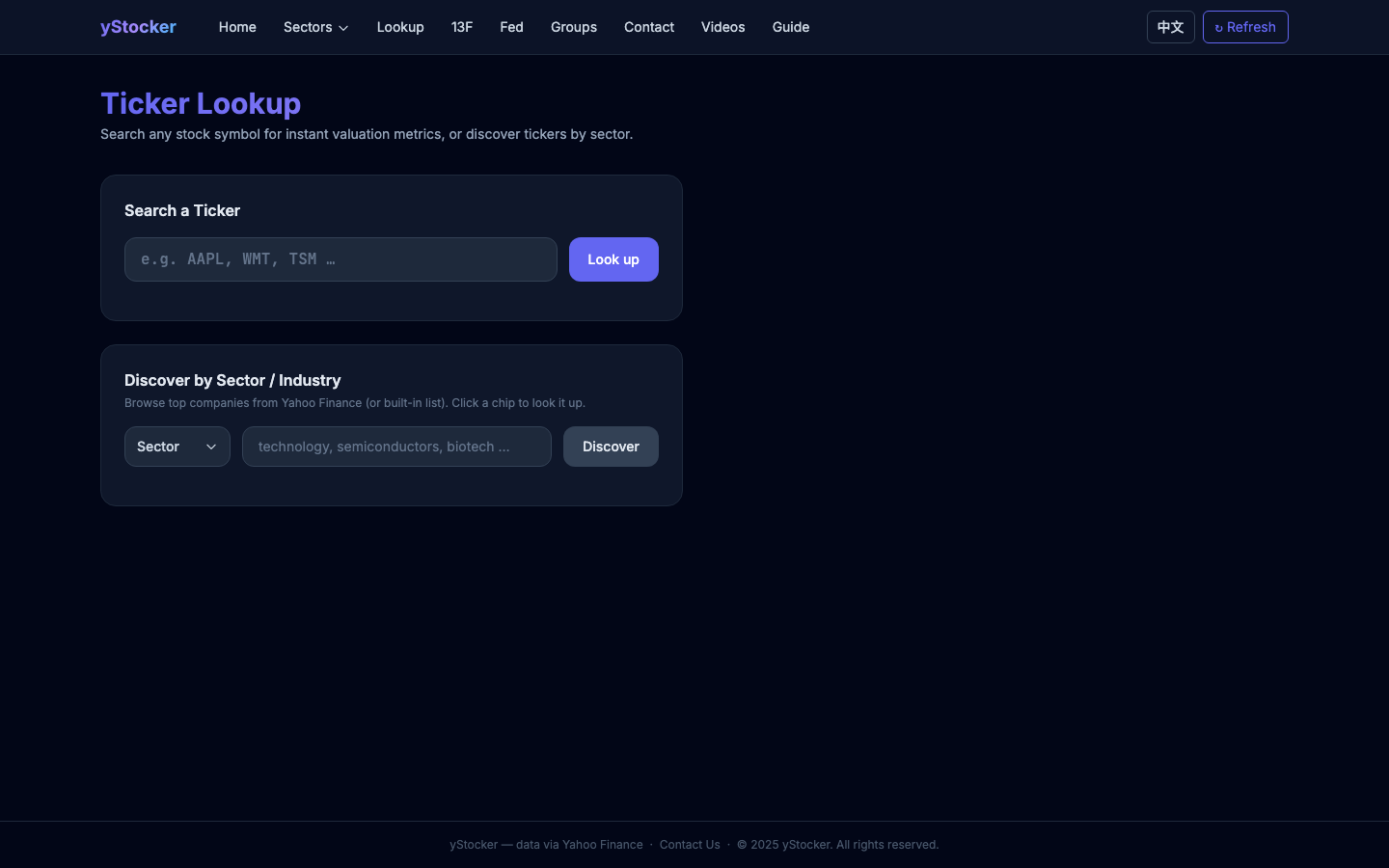
Search any US stock ticker to see a detailed view: price, P/E, EPS, analyst target, 52-week range, market cap, dividend yield, and a 1-year price + P/E history chart.
13F — Institutional Holdings
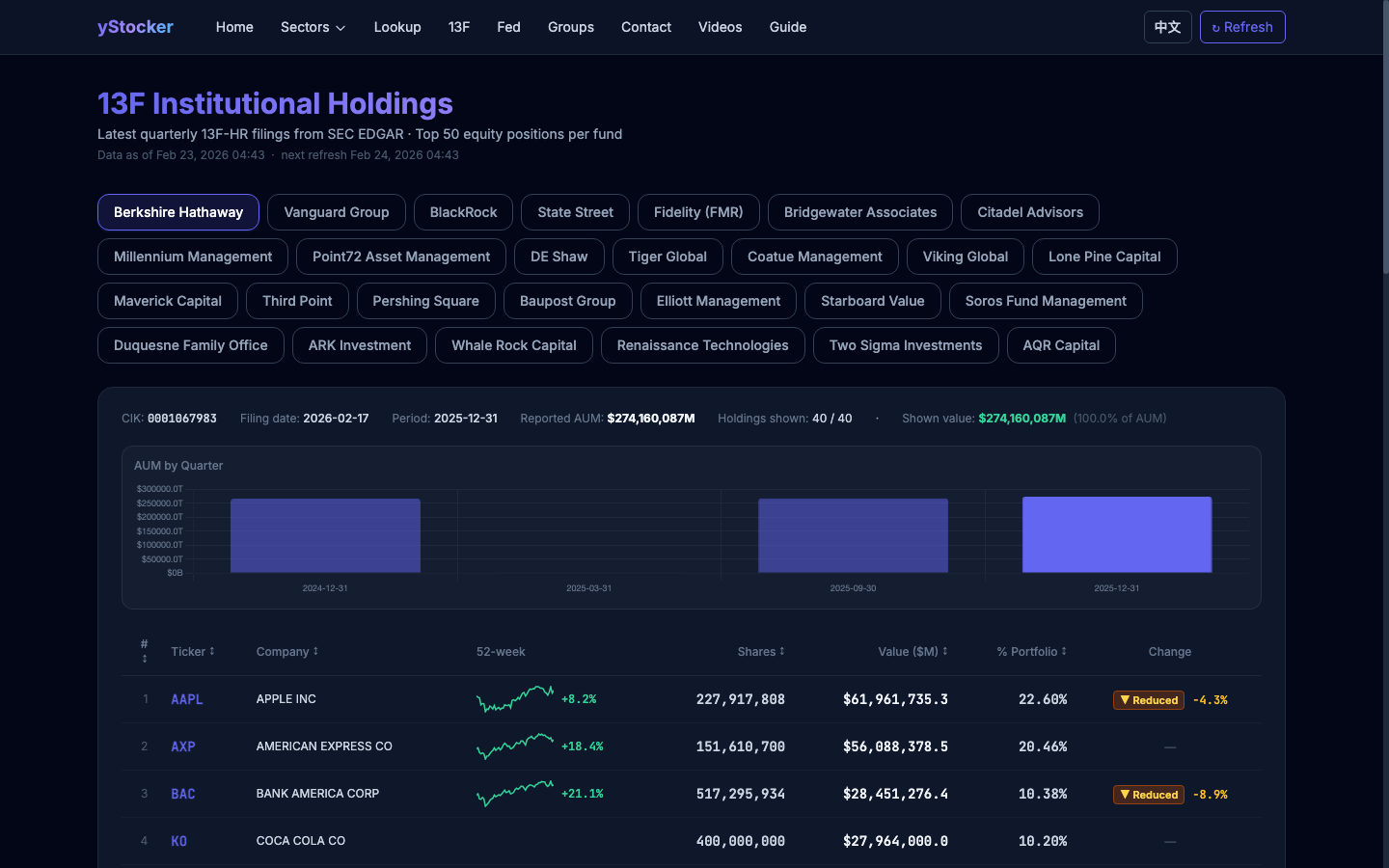
View the latest quarterly 13F-HR filings from major funds (Berkshire, Bridgewater, etc.) sourced directly from SEC EDGAR. See each fund's top 50 equity positions with shares, value, and quarter-over-quarter change.
Fed — Balance Sheet (H.4.1)
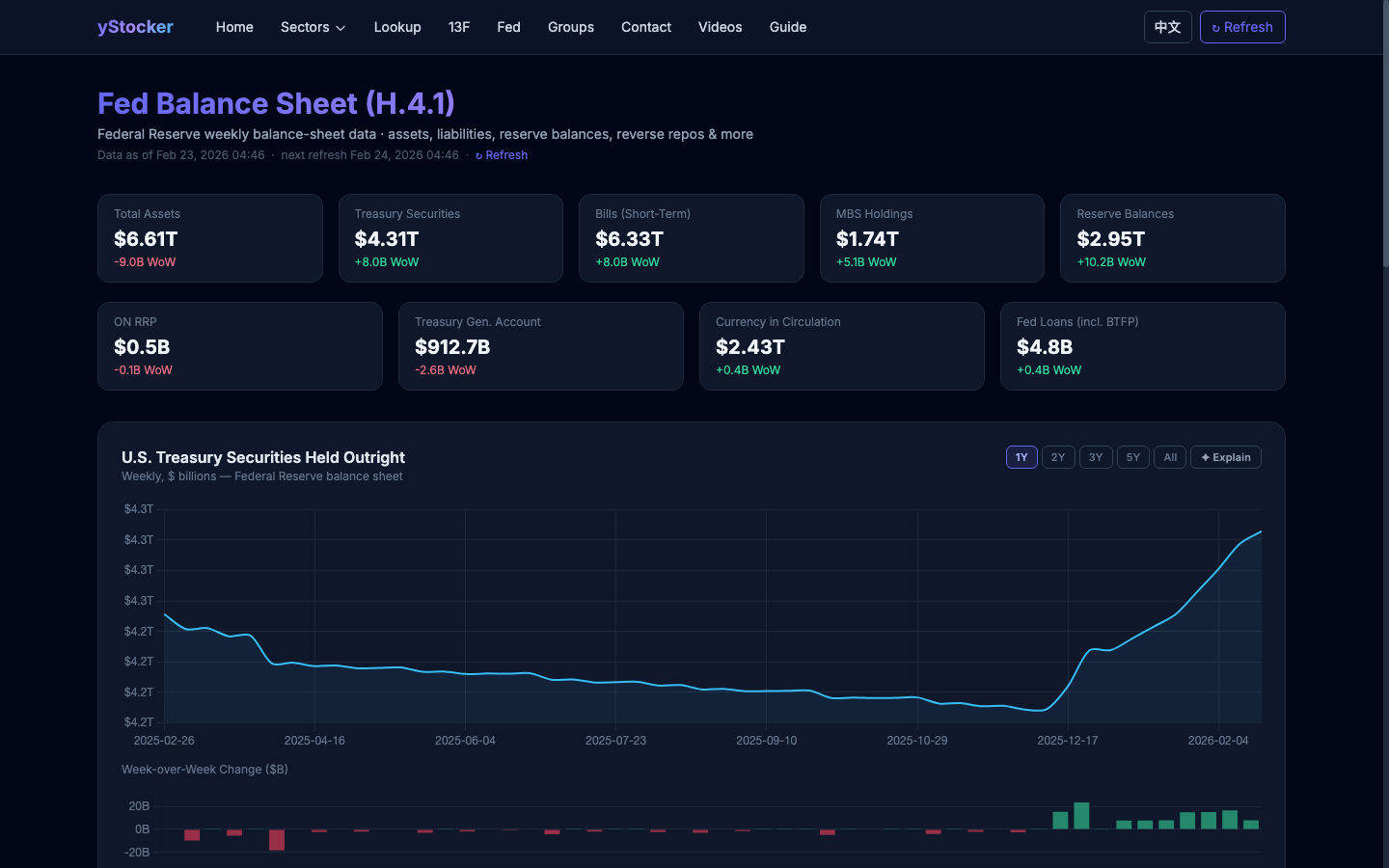
Weekly Federal Reserve balance sheet data from FRED. Tracks total assets, Treasury holdings, MBS, reserve balances, overnight reverse repos (ON RRP), the Treasury General Account (TGA), currency in circulation, and emergency loans (BTFP).
Groups — Manage Peer Groups
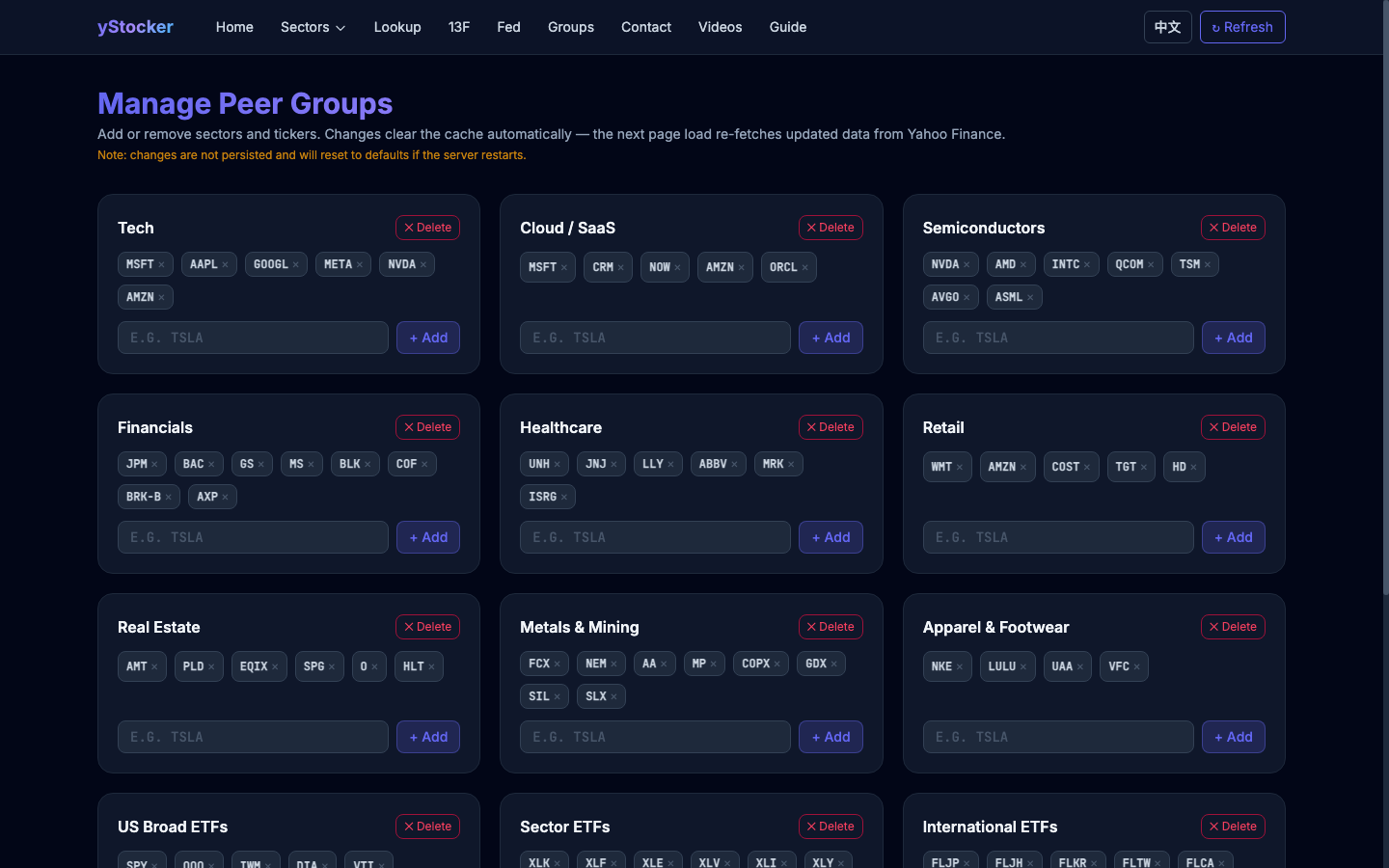
Create and manage custom peer groups. Add any ticker to a group and it will appear on the home page sector cards and sector detail pages.
Language & Refresh
yStocker supports English and Chinese. Click 中文/EN in the top-right corner to toggle. The ↻ Refresh button re-fetches live data for the current page.
Trading Agents
A team of AI analysts, researchers and risk managers debates one ticker and produces a full research report. A-share runs add policy, hot-money and lock-up specialists, and all nine reports feed both debate stages. A deep run takes ten minutes or more, so each section streams as it lands.
What a run costs
Signing in gives you 3 free runs per day, reset at midnight Pacific. Past that you can buy a pack; purchased runs never expire and carry over between days, and free runs are always spent first so you are never charged while one is left.
| Price | Runs | Per run |
|---|---|---|
| $5 | 5 | $1.00 |
| $25 | 28 | $0.89 |
| $50 | 60 | $0.83 |
| $100 | 130 | $0.77 |